10 Tips to Keep Your Marketing Emails From Going Into Junk
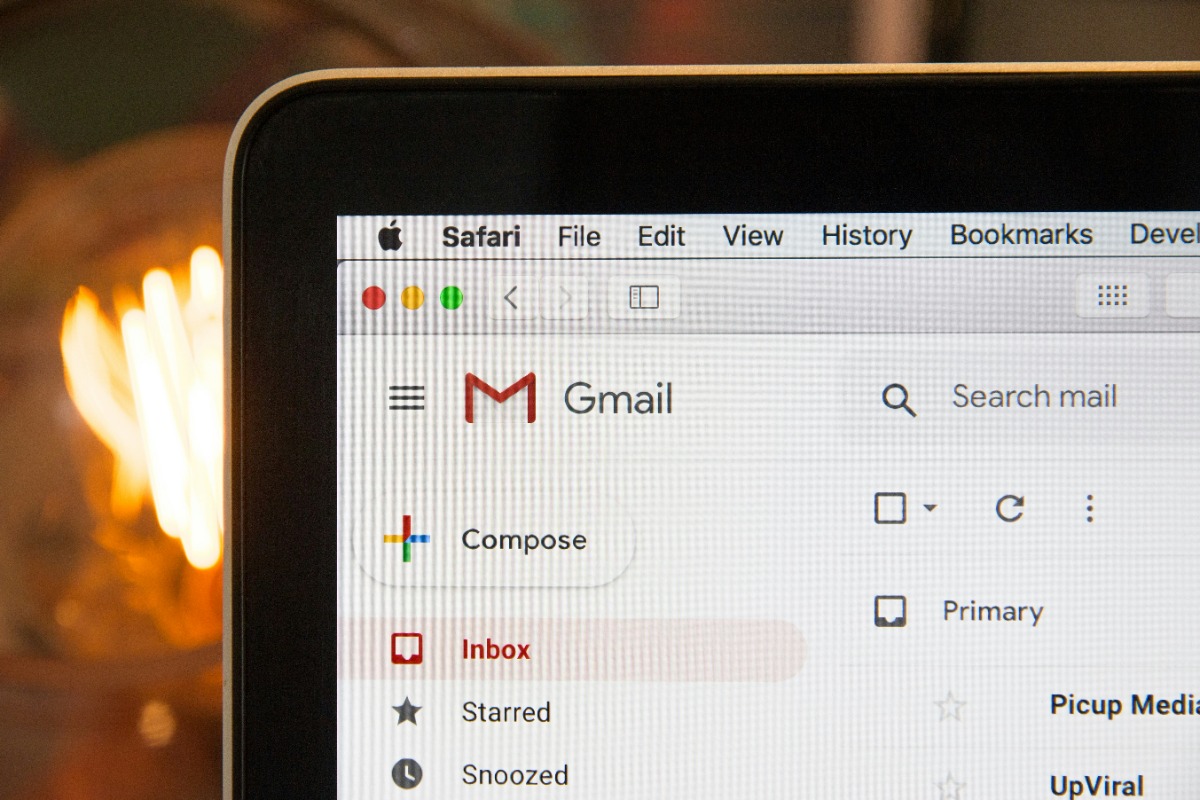
Photo Credit: Unsplash / Stephen Phillips
Skift Take
An estimated 21% of legitimate permission-based emails end up in the spam folder. How can you keep yours from doing the same?

Today’s marketing can be incredibly frustrating. Never has it been so easy and cost-effective to reach large groups of people and yet there are still barriers to communication. The biggest is the spam filter, which detects unsolicited and assumed unwanted email and filters it into recipients' Junk folders, to be lost forever.
As much as 21% of legitimate permission-based emails end up in the spam folder, according to ReturnPath. That means even if you perform your due diligence and ensure everyone who’s receiving communications from you has opted in, you’re still not in the clear.
Explore the Skift Meetings Toolkit
Level up your skills in minutes and start streamlining the way you plan meetings and events.
Hundreds of articles in nine key categories: Accessibility & Inclusion | Budgeting & Cost Savings | Careers & Personal Development | Contracts & Duty of Care | Event Technology | Ideas & Inspiration | Logistics & Operations | Marketing & Promotions | On The Road
In order to convince the robots you’re not one of their kind, follow these 10 tips:
1. Use a human subject line
You always want to give careful consideration to this anyway as it, along with the sender info, is one of the top considerations someone uses in deciding if they will open the email or send it to trash. Many marketers swear by conversational subject lines, while others choose straightforward concepts. Check out #3 for more information on things to avoid in the subject line.
2. Always use a subject line
Some people get frustrated in creating one and so they give up. Others think that mystery is the best way to get someone to click. But leaving a blank subject line is just a fast train to the trash folder. Some employers won’t even give the recipient an option to open it. A blank subject line gets filtered by the firewall before it even graces the screen.
3. Avoid the “forbidden” sales speak
These trigger words set spam filters off.
4. Beware of your software
Some software is notorious for having a bad spam rating based on other users. For instance, you might use technology to send batches of emails from an email design software company. Unbeknownst to you, they have a bad sending rating and have been blacklisted because of abuse and known spam. Even if the problems were with another one of their clients, if it’s coming from their server, it affects you.
5. Always use a big unsubscribe button
Make the unsubscribe button or information very prominent in any messaging you send out. Sometimes people don’t remember signing up for your email or newsletter, then receive a communication from you, and immediately hit the spam button. That counts against you and your sender rating.
6. Don’t use a lot of URL links or images in your messaging
Links can be confusing and spammy, and images can take a while to open and load on some systems.
7. Consider a human reply-to address
People are more apt to open an email from someone they know or they’ve heard of not noreply@companyx. Use your name as the person to respond to. You can create filters and aliases on other inboxes if you don’t want a deluge of responses in your inbox.
8. Test and analyze
Spam filters are constantly evolving. Keep an eye on your clicks and open rates and test different approaches to see if something seems to be affecting delivery.
9. Keep your branding consistent
Help people recognize you by being consistent in your branding. If something like a name change occurs let everyone know so they don’t mistakenly mark you as spam.
10. Watch your list closely
Avoid buying or renting lists; permission-based email marketing is your safest bet. Remove bounced emails from your list, and keep it fresh. This could affect your send rate.